#1
Blue Yeti USB Microphone
USB Condenser · Cardioid/omnidirectional, 120dB SPL, 20Hz–20kHz$60–$100 usedBest for: Budget streamers, multi-platform setup
The entry-level standard. Plug-and-play USB, multiple polar patterns, arm mount compatible. Works instantly on Twitch, YouTube, Discord without audio interface.
What to check used: Sensitive to desk vibrations—use a boom arm with shock mount. Blue Yeti X (2020 refresh) has better build quality; older Yeti models slightly less reliable.
#2
Shure SM7B
Dynamic XLR · Cardioid, 132dB SPL, 50Hz–20kHz, premium presence peak$200–$350 usedBest for: Professional streamers, content creators, music production crossover
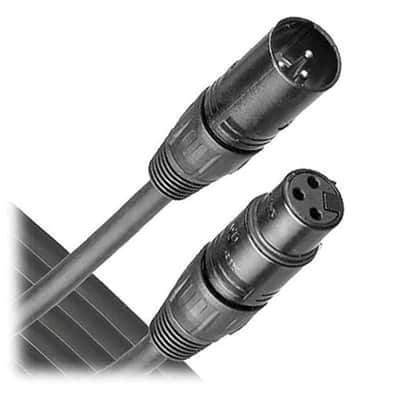
Industry standard for podcasts & streams. Legendary presence peak cuts through gaming audio. Requires audio interface & XLR cable, but sound quality justifies the investment. Best isolation of any streaming mic.
What to check used: Needs a Focusrite Scarlett, Audient iD4, or equivalent interface (~$150–$200). Shock mount highly recommended. Not for true beginners without interface already in hand.
#3
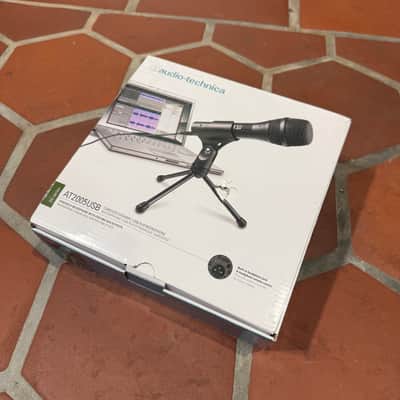
Audio-Technica AT2020 USB
USB Condenser · Cardioid condenser, 120dB SPL, 20Hz–20kHz$90–$140 usedBest for: Streamers upgrading from Yeti, podcast crossover use
Studio-grade condenser in USB form. Noticeably warmer than Yeti, tighter pickup pattern reduces keyboard/mouse noise. Built-in onboard mixing if you need it. Best USB mic under $150.
What to check used: Condenser = more sensitive to room noise. Use noise gate (OBS filter) if streaming from untreated space. Needs phantom power from interface if you want XLR version.
#4
HyperX QuadCast
USB Condenser · 3-axis cardioid, tap-to-mute, red RGB LED, 96kHz$80–$130 usedBest for: Gaming streamers, Twitch-focused setups, RGB enthusiasts
Made for gamers. Tap-to-mute sensor, internal pop filter, integrated RGB lighting. Cardioid isolation is tight, good for loud game audio. Standalone mic, no interface needed.
What to check used: Premium build but no XLR option—you're locked into USB. RGB can be distracting on camera if not positioned right. Mute tap sometimes sticky (firmware update available).
#5
Rode NT-USB Mini
USB Condenser · Cardioid, built-in gain control, -20dB pad, 20Hz–20kHz$70–$110 usedBest for: Compact setup, apartment streaming, minimalist desk
Rode's compact entry—half the size of Yeti but maintains studio quality. Onboard -20dB pad for loud rooms. Headphone output with zero-latency monitoring built in. Best "grab and go" USB mic.
What to check used: Smaller diaphragm than AT2020 USB, slightly less bass presence. Still excellent, but noticeably warmer mics are the SM7B and AT2020.
#6
Elgato Wave 3
USB Condenser · Cardioid, built-in mixing controls, Clipguard limiter, 20Hz–20kHz$100–$160 usedBest for: Streamers who value onboard mix control, Elgato ecosystem users
Elgato-designed. Tap-to-mute, integrated gain control, Clipguard prevents peaking. Wave Link software integrates with Stream Deck. Solid mid-range option for serious Twitch setups.
What to check used: Software-dependent—Wave Link required for advanced mixing. Without it, just a solid but generic USB mic. Ecosystem lock-in: best experience if you already own Stream Deck, Green Screen, or other Elgato gear.
#7
Samson Q2U
Hybrid USB/XLR · Dynamic, cardioid, dual-output (USB + XLR), 50Hz–20kHz$50–$90 usedBest for: Budget hybrid setups, future-proofing for interface upgrade, podcasters + streamers
Unique: USB AND XLR on same mic. Start USB (no interface), upgrade to XLR interface later without replacing mic. Built-in headphone output with mix control. Best value entry-to-pro gateway.
What to check used: Dynamic mic—less sensitive than condensers, needs closer proximity (~6 inches from mouth). Gain staging is critical. Slightly harsh mid-range compared to SM7B.